Free · Invite-only beta · Linux and Windows
Your music, down to the sample.
Arpezo brings the music player and the CD ripper together in one application, for Linux and Windows. And it proves your copies are identical to the disc.
CD ripping
Ripped. Verified. Identical to the disc.
Rip your CDs once, for good. Arpezo does not just copy: it compares your copy with everyone else's to prove not a single sample is missing.
Secure reading
C2 errors, re-reads, majority vote and a measured drive cache. The read offset of your drive is applied.
FLAC, or what you prefer
FLAC by default, or ALAC, MP3, Ogg Vorbis, with the estimated size. MusicBrainz Picard compatible tags, 1200 px cover art.
Verified by CTDB
Every rip is verified against the CUETools database (CTDB), then verified again in the background. A badge on the album shows its state.
✓ Identical to the disc
Coming soon
And all the way to playback
Bit-perfect playback is in development: samples will reach your DAC intact, with no resampling, no software volume and no mixing, in WASAPI exclusive mode on Windows and straight to ALSA on Linux. A "Bit-perfect" badge will only show when that is truly the case.
The library
Your whole collection, at a glance.
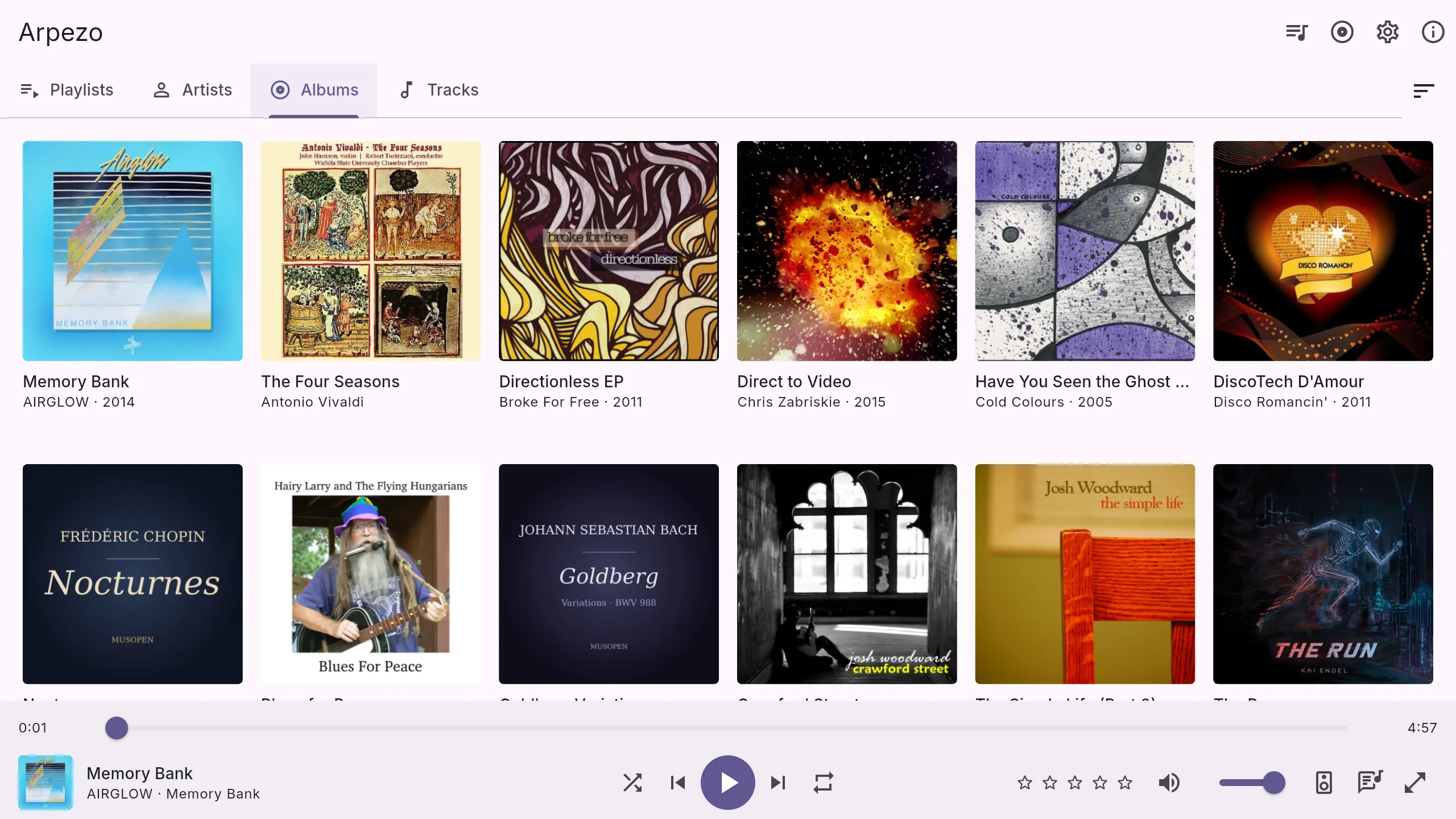
By artists, albums or tracks, in a grid of covers. Arpezo scans your folders in the background and recognises a moved track instead of losing it.
- 100,000
- tracks measured, and it stays smooth
- 9
- formats played: FLAC, ALAC, AAC, MP3, Ogg Vorbis, Opus, WAV, and lossy or lossless WMA
- M3U · WPL
- playlists imported, even when the paths have changed
Sound, where you want it
Pick the output without leaving playback.
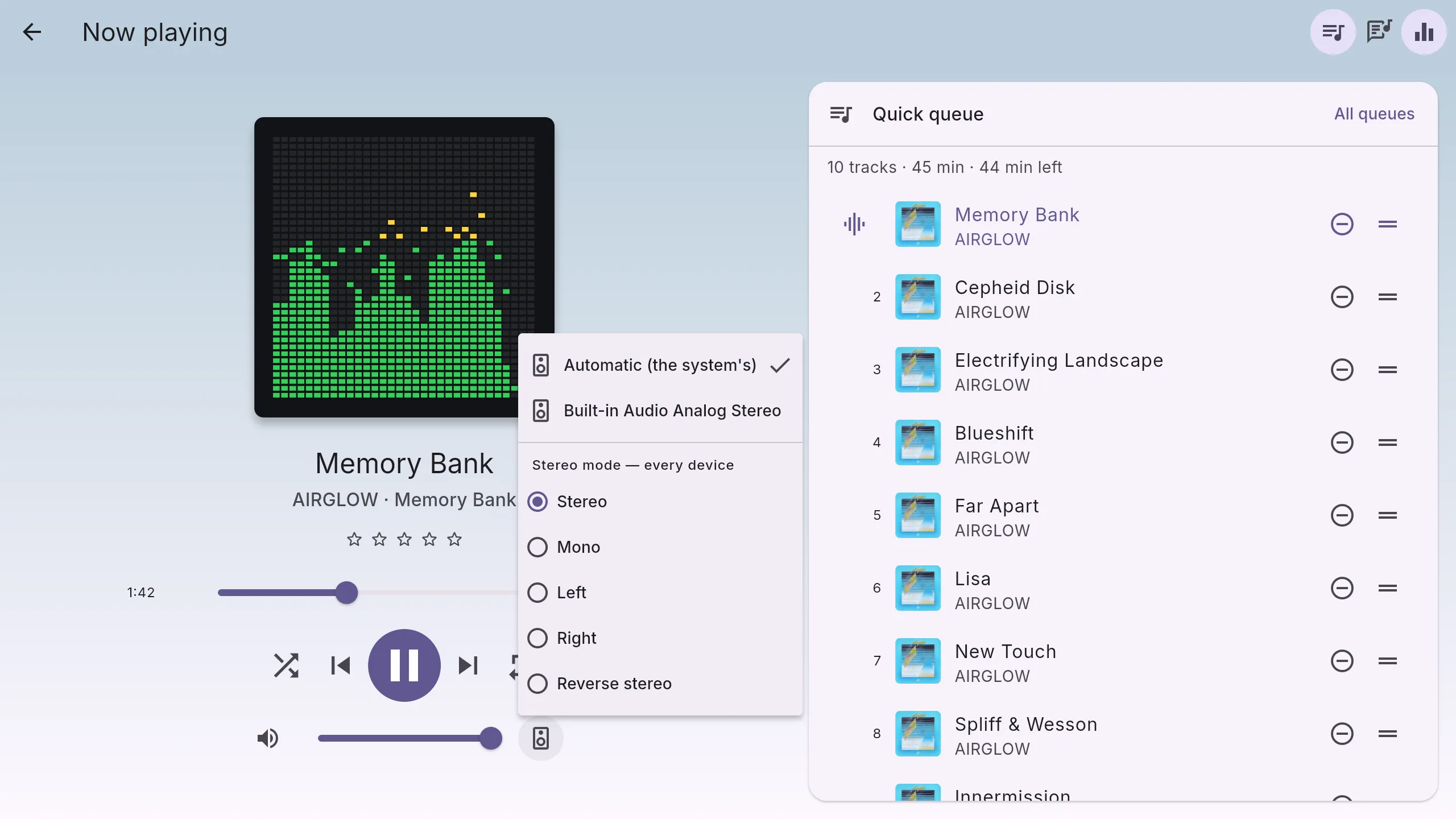
Headphones, studio monitors or a DAC: the audio device is chosen from playback, and so is the stereo mode.
Stereo modes
- Stereo
- Mono
- Left
- Right
- Swapped stereo
Media keys, headset buttons and the media panel of the system control Arpezo: MPRIS on Linux, SMTC on Windows.
Lyrics
The lyrics follow the song.
Synced line by line, next to the queue. Arpezo finds them in the tags, in a .lrc file next to the track or, if you turn it on, on LRCLIB.
- Synced or not
- Fixed by hand, then written back where they came from
- A .lrc file written, if you want one
And everything else
Play, rip, tag, find the lyrics.
In one application, instead of three.
Picks up where you were
The track and the position within it, even after turning the computer off.
Several queues
Each one resumes where it stopped, plus a quick queue. "Play next", "Add to queue".
Smart playlists
Defined by rules: most played, never played, recently added… with their length.
CD recognition
Through MusicBrainz, release included, and a form to fill in by hand for an unknown disc.
File naming
From a template, with a live preview. Embedded cover art and Folder.jpg.
Your default player
"Open with Arpezo" from the file manager, one window at a time.
Your ratings
From 0 to 5 stars per track, right from the playback bar.
Any font
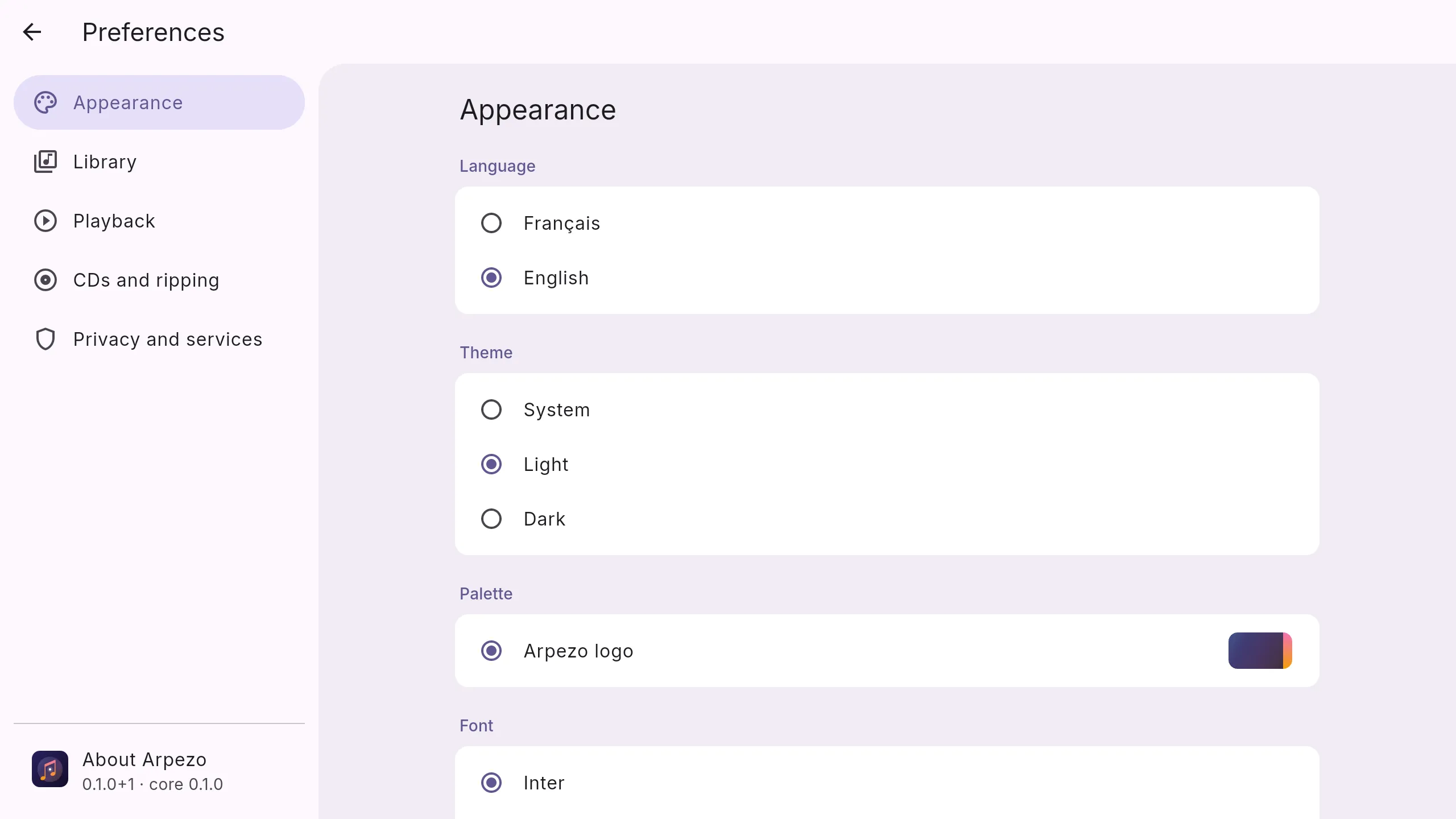
The ones installed on your computer, in a light or dark theme, in the colours of the logo.
Privacy
No service contacted without your say.
On first launch, Arpezo explains what each service receives. Everything is off by default: you decide.
Error reports are optional too. They mask the paths of your files and go to the server of Arpezo, with no third party.
MusicBrainz
Recognises your CDs and their release.
Off by default
Cover Art Archive
Provides 1200 px cover art.
Off by default
LRCLIB
Finds missing lyrics.
Off by default
Linux and Windows
One application, the same screens.
Born on Debian with studio headphones, and on Windows 11 between two studio monitors: Arpezo replaces Cantata, K3b and Picard on one side, and Windows Media Player on the other.
Linux
- .deb package, tested on Debian 12 and 13
- AppImage, tested on Ubuntu 22.04
- Media keys through MPRIS
Windows 11
- Per-user install, no administrator rights
- CD ripping without administrator rights
- Library kept on uninstall
- x64 · Windows 10 likely, untested
Invite-only beta
Try Arpezo, for free.
Arpezo is in beta. Write to me for an invitation: I send you the installer for your system myself.
Downloads
- Linux .deb · AppImage
- Windows 11 x64
The installers for Linux and Windows will be available here at the public release.